

Try for Free
Always free with no licence and hardware required.

Prototype
Prototype network operations before committing.

Test the Features
Test features with no risk: L2, L3, and upgrades.
Why Use PicOS-V?

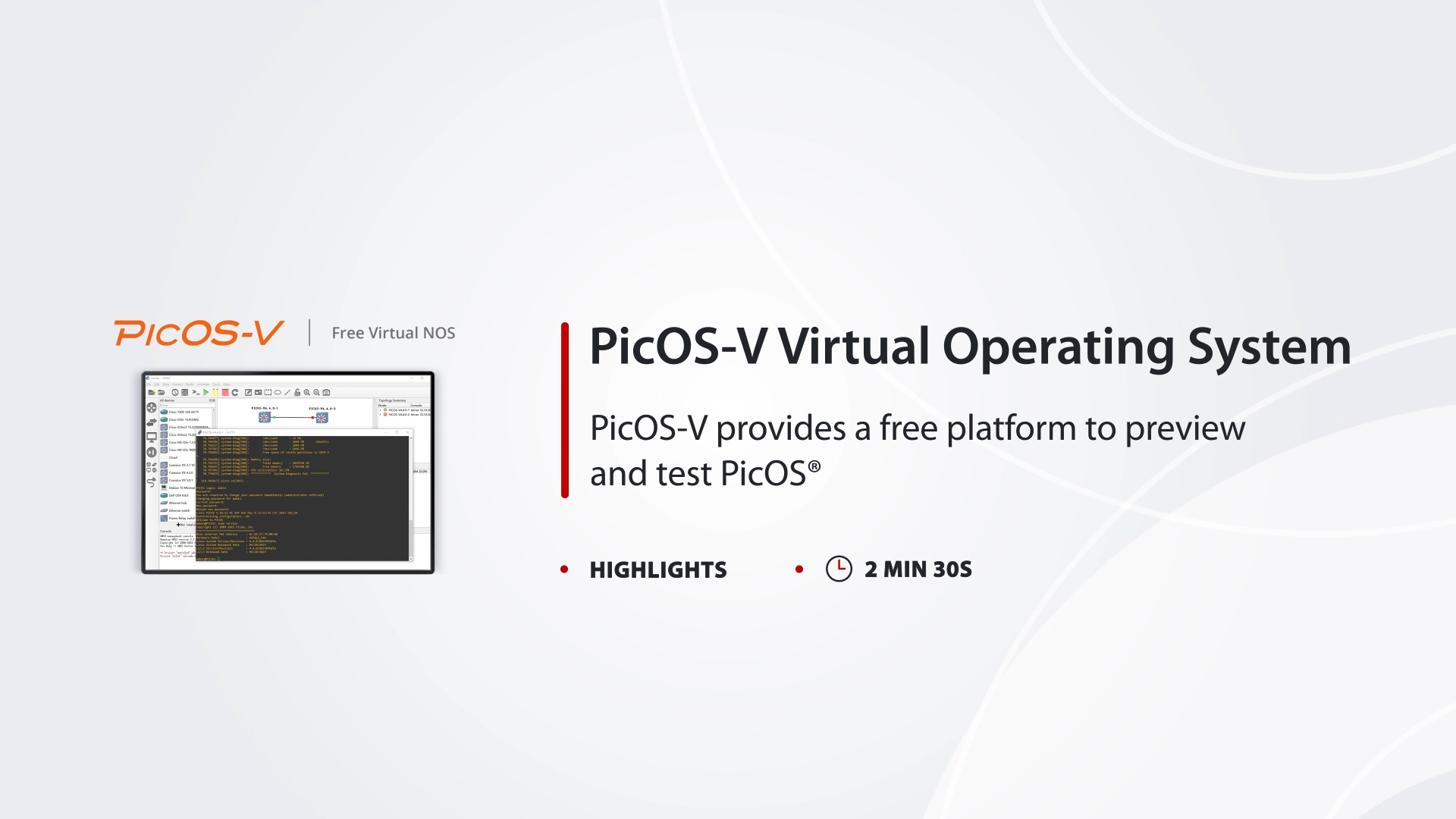
Get up and running quickly on your computer.

Run on VMware, GNS3 and VirtualBox hypervisors.

Simulate PicOS® switches and validate configuration of PicOS.

Test the technology at zero cost with deployment guide and documentation.
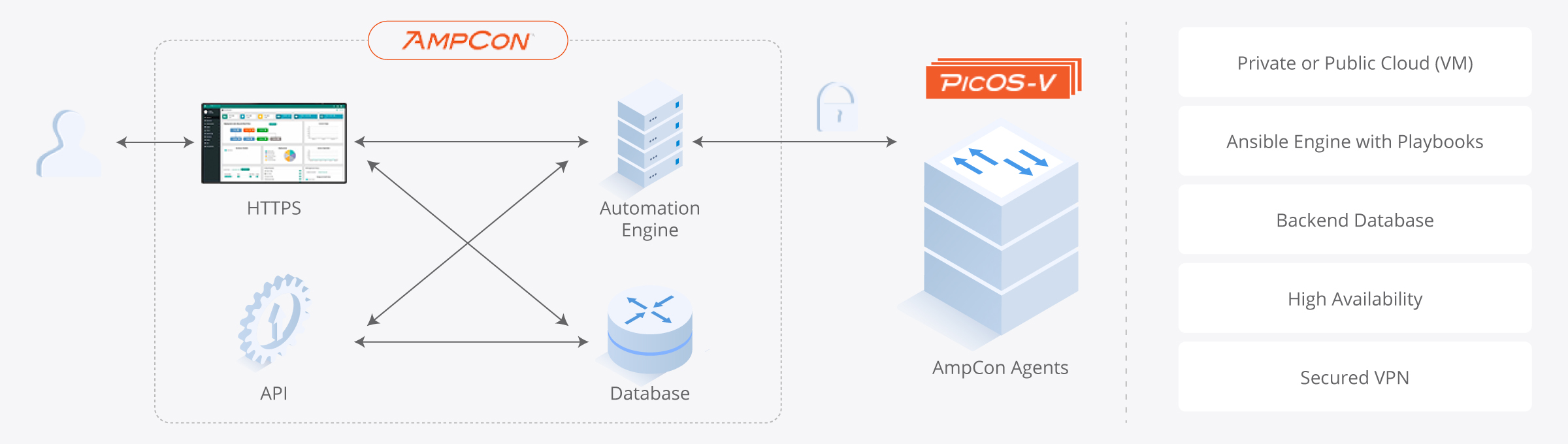
Using AmpCon-DC/Campus to Manage PicOS® Switches
Once you've validated your configuration with PicOS-V, seamlessly transition to physical PicOS® switches managed by AmpCon-DC or AmpCon-Campus for full production deployment. The same CLI, the same features, the same experience.

SwitchInfra Technical Support
View our professional services deployment and engineering consultancy services, and learn how to get help deploying our products and solutions.
Get Expert Support →Try PicOS-V for Free Today
Find out how PicOS-V can deliver a more flexible and supported networking solution, preparing you for future real-world deployments.
Get Started →Get Started in 4 Easy Steps

Click and Sign In
Click Download Now, then register or log in to get the installation package and user guide.

Download
Download the image for VMware ESXi, GNS3, or VirtualBox to use PicOS-V.

Install and Deploy
Install PicOS-V and configure VLANs, NETCONF, and other features to roll out the prototype.

Test and Validate
Validate BGP, LLDP, SNMP, and other PicOS® configurations.