Selecting the right network switch is one of the most critical decisions in building a reliable enterprise network infrastructure. With countless options available—from unmanaged plug-and-play switches to fully-managed Layer 3 enterprise switches—making the right choice requires understanding your specific requirements.
Understanding Switch Types
Unmanaged Switches
Unmanaged switches are designed for simple networks where you just need to connect devices without any configuration. They’re typically used in small offices or as access-level switches in larger deployments.
Pros:
- Plug-and-play simplicity
- Low cost
- No configuration required
Cons:
- No visibility or control
- Limited scalability
- No VLAN support
Smart Managed Switches (Web-Managed)
Smart managed switches offer basic management features through a web interface. They’re ideal for small to medium businesses that need some control without the complexity of enterprise-grade switches.
Best for:
- Growing businesses with basic VLAN needs
- Simple QoS configuration
- Port-based management
Fully Managed Switches (Layer 2/Layer 3)
Fully managed switches provide complete control over network traffic, advanced features, and enterprise-grade reliability. These are the backbone of modern enterprise networks.
Key Features:
- Advanced VLANs (802.1Q)
- Link Aggregation (LACP)
- Spanning Tree Protocol (STP)
- Quality of Service (QoS)
- Layer 3 routing capabilities
Key Selection Criteria
1. Port Density
Consider your current and future port requirements:
| Deployment Type | Recommended Ports | Typical Use |
|---|---|---|
| Small Office | 8-24 ports | Access switches |
| Medium Business | 24-48 ports | Access/aggregation |
| Large Enterprise | 48+ ports | Core/aggregation |
2. Speed Requirements
| Speed | Use Case |
|---|---|
| 1G Copper | Standard desktop access |
| 2.5G/5G | High-performance Wi-Fi access points |
| 10G | Server connections, uplink |
| 25G/100G | Data center spine/leaf |
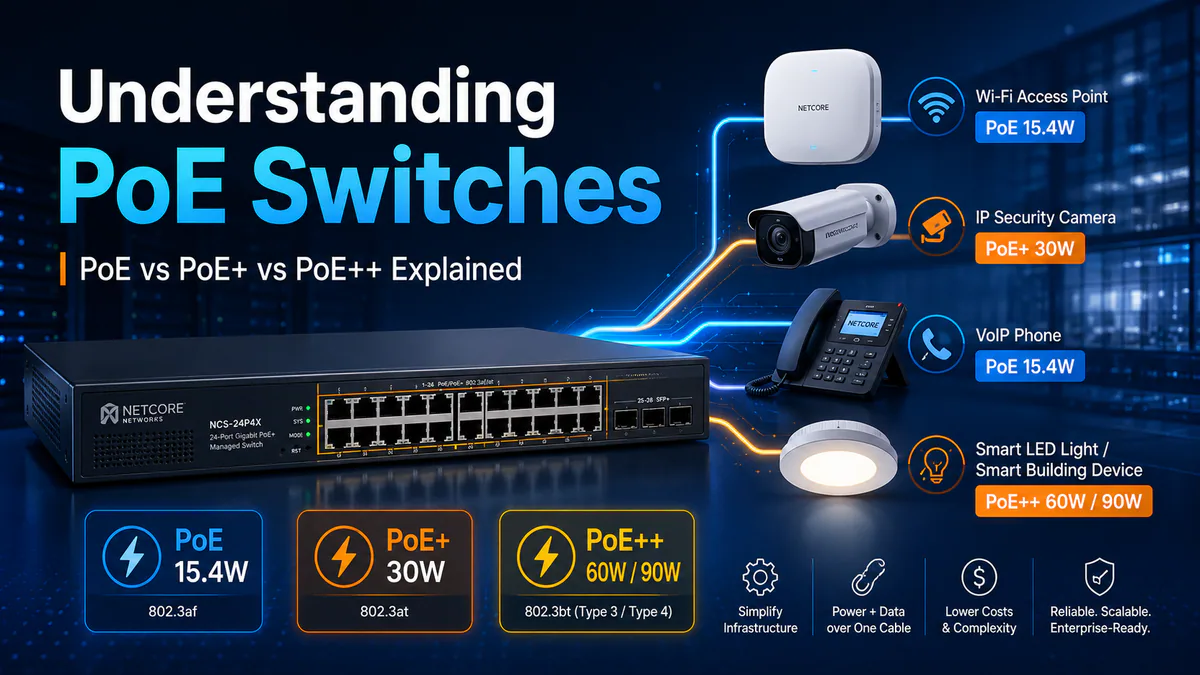
3. Power over Ethernet (PoE)
If you need to power devices like IP phones, cameras, or wireless access points, consider PoE switches:
- PoE (802.3af): Up to 15.4W per port
- PoE+ (802.3at): Up to 30W per port
- PoE++ (802.3bt): Up to 60W/90W per port
4. Management Capabilities
For enterprise networks, Layer 3 switches provide:
- Static routing
- RIP/OSPF routing protocols
- VLAN routing (inter-VLAN routing)
- Access Control Lists (ACLs)
- Multicast routing (IGMP snooping)
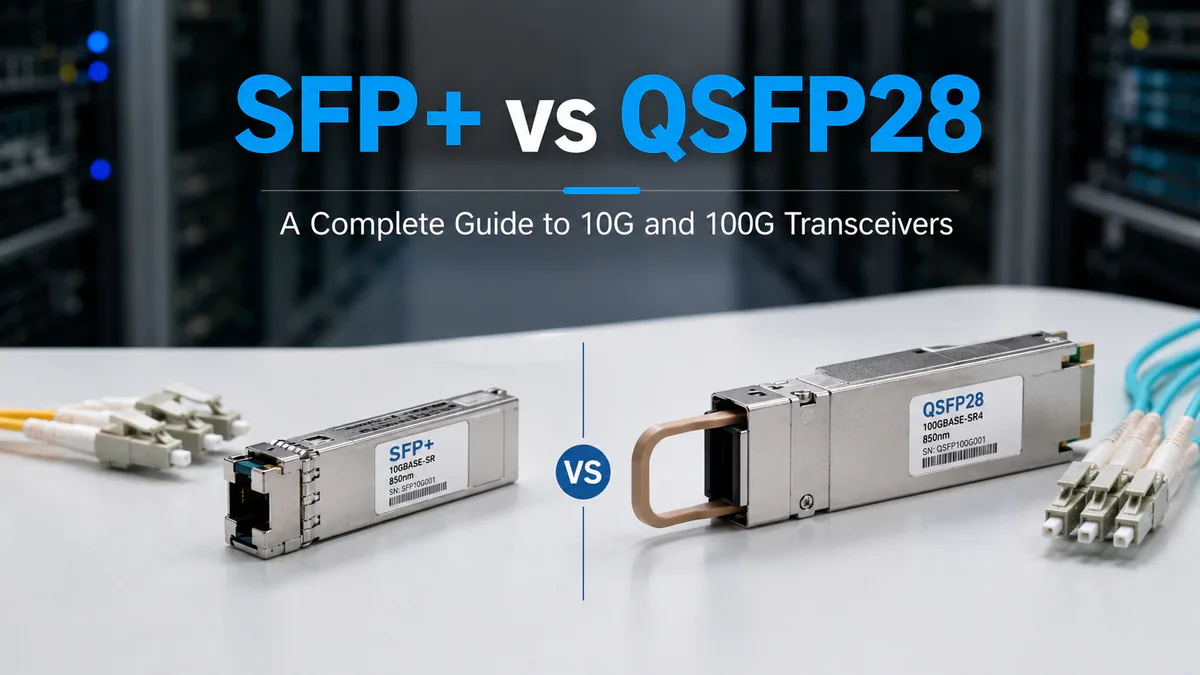
SFP/SFP+ vs RJ-45
When selecting switches, consider whether you need SFP+ uplinks for fiber connections:
- Copper (RJ-45): Best for distances under 100m
- SFP/SFP+: Required for longer distances or 10G+ uplinks
- DAC/AOC Cables: Cost-effective for short-range 10G+ connections
Design by Network Layer
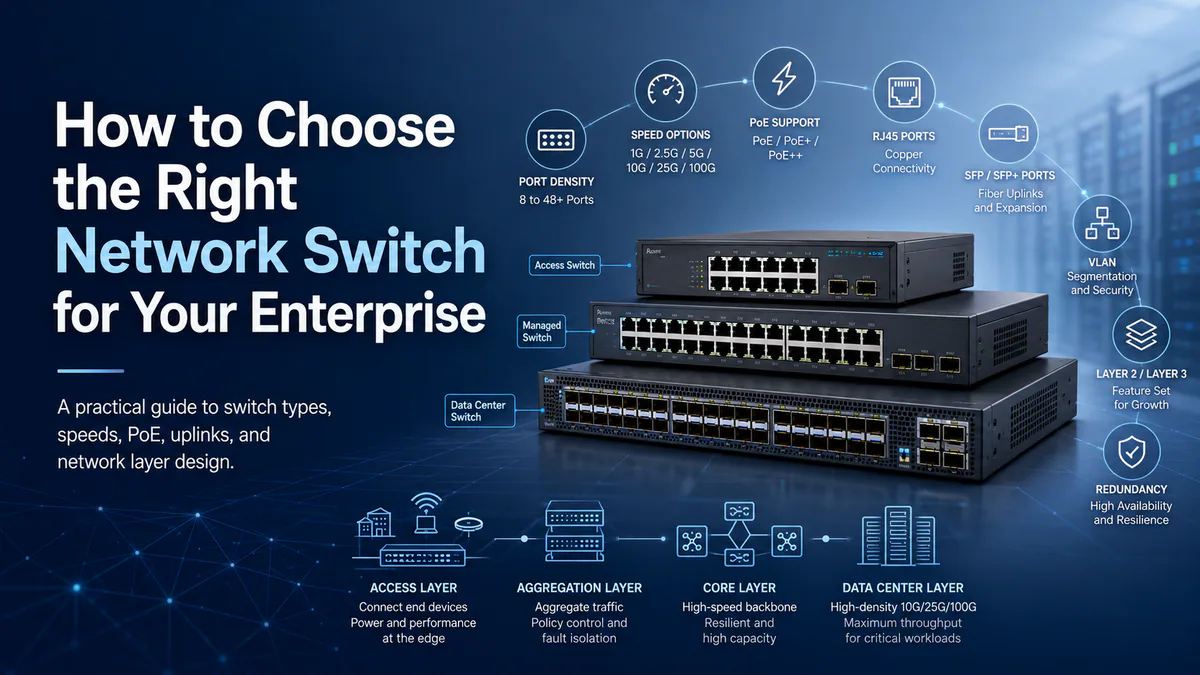
A switch that works well in one layer may be a poor fit in another. Access switches prioritize endpoint density, PoE budget, and ease of management. Aggregation switches prioritize high-speed uplinks, routing, and redundancy. Core and data center switches require predictable forwarding, deep visibility, and strong automation support.
| Layer | Priority | Common Requirements |
|---|---|---|
| Access | Endpoint connectivity | PoE/PoE+, VLANs, 1G/2.5G/5G ports, quiet operation |
| Aggregation | Uplink consolidation | 10G/25G/100G uplinks, LACP, routing, redundant power |
| Core | Resilient backbone | High throughput, low latency, ECMP, fast convergence |
| Data center leaf | Server access | 25G/100G server ports, VXLAN/EVPN, telemetry |
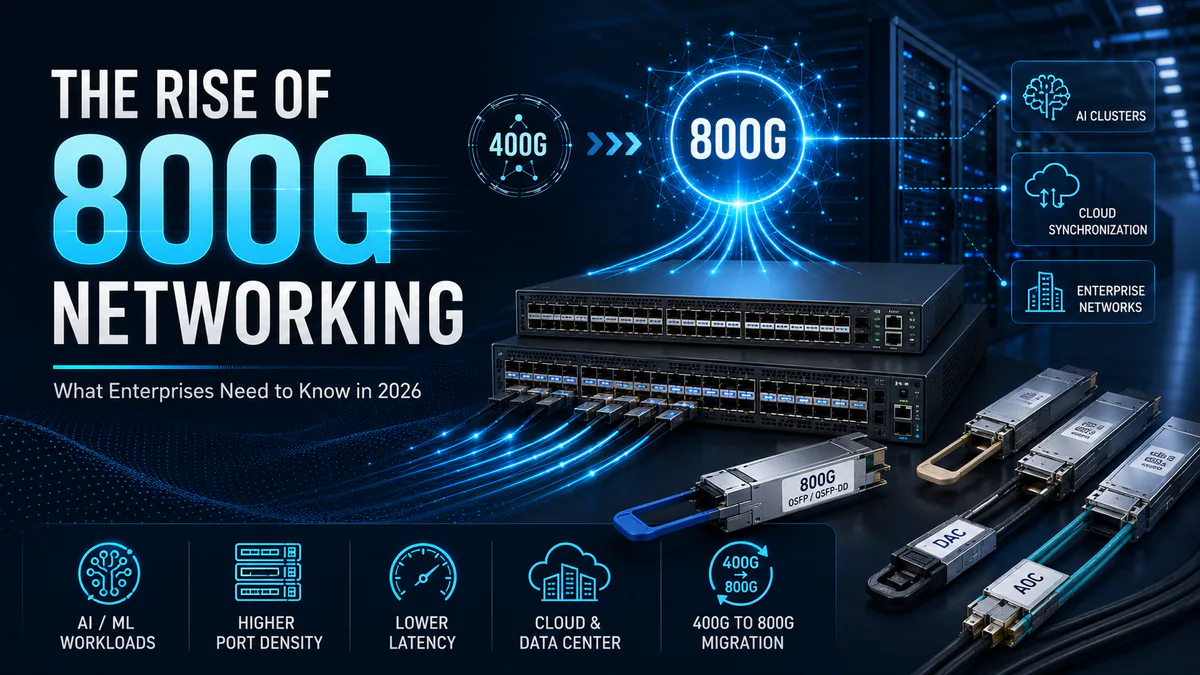
| Data center spine | Fabric scale | 100G/400G/800G density, predictable latency, automation |
Separating requirements by layer prevents overbuying access switches and underbuying aggregation capacity. It also makes migration planning clearer because each layer can be refreshed independently.
Reliability and Support Factors
Beyond the datasheet, enterprise buyers should evaluate the operational details that determine whether a switch is maintainable over its service life:
- Redundant hot-swappable power supplies and fans for critical racks.
- Front-to-back or back-to-front airflow matching the rack design.
- Firmware maintenance window requirements and rollback behavior.
- Logging, SNMP, streaming telemetry, and API support.
- Compatibility with existing optics, DACs, monitoring tools, and automation scripts.
- Availability of replacement units and support response targets.
Common Selection Mistakes
The most frequent mistakes are predictable. Teams choose too few uplinks, ignore PoE power budget, mix unsupported optics, or buy a Layer 2 platform for a network that soon needs Layer 3 segmentation. Another common issue is selecting switches based only on current port count. A safer approach is to reserve at least 20-30% port capacity for growth and to validate the next planned speed step before purchase.
Conclusion
Choosing the right switch depends on understanding your network’s current and future requirements. For most enterprise deployments, we recommend:
- Access Layer: 24-48 port PoE+ switches with 10G uplinks
- Aggregation Layer: 48-port switches with 40G/100G uplinks
- Core Layer: High-capacity Layer 3 switches with routing capabilities
Need help selecting the right switch? Contact our technical team for a personalized recommendation.