
NETWORK ADAPTER
MCX516A-CCAT
NVIDIA ConnectX-5 EN Dual-Port 100GbE Adapter — MCX516A-CCAT
Request a quote
Tell us what you need. We confirm the available option and terms in writing.
Your preference; availability is confirmed in the quote.
- Delivery is confirmed with your order or quotation.
- Confirm seller warranty terms before ordering.
- Confirm return terms before ordering.
Specifications
MCX516A-CCAT specifications
| Part Number | 900-9X5AD-0056-ST1 |
|---|---|
| Host interface | PCIe 3.0 x16 |
| Model | MCX516A-CCAT |
| Ports | 2 × QSFP28 |
| Port speed | 100GbE |
| NVIDIA ordering part number | 900-9X5AD-0056-ST1 |
| Bracket in the ordering description | Tall bracket |
Before you order
- Confirm the exact SKU, part number, specification option and quantity.
- Confirm the host platform, port, electrical interface and firmware requirements.
- Confirm availability, lead time, destination and applicable service terms before payment.
Description
Example BOM and related parts
SN3420 100GbE QSFP28 AOC access BOM
Confirm the configuration and quantities before selecting this option.
| Role | Model and order code | Example quantity or status | Selection notes |
|---|---|---|---|
| ConnectX-5 EN adapter option | MCX516A-CCAT This product900-9X5AD-0056-ST1 | Option | Verify support for the exact cable and firmware on the installed ConnectX-5 adapter. |
Use Ethernet on both endpoints and qualify the exact adapter, cable and switch firmware. Check the host slot before selecting a PCIe or OCP version.
Product questions & answers
How does MCX516A-CCAT differ from MCX515A-CCAT?
The 516 has two QSFP28 network ports and the 515 has one. Confirm the middle digits of the part number when a design calls for two independent connections.
Which host slot is specified for this board?
The adapter specifies a PCIe 3.0 x16 interface. Check the electrical lane count of the selected slot, especially when using a server riser.
What should I include when requesting media for both ports?
List each far-end switch and port, the distance for each link and any installed fiber type. Select a supported QSFP28 cable assembly or transceiver pair for each 100GbE link.
Channel and project resources
Move your next customer decision forward
Start with your current portfolio, a product family or an incomplete project list. Choose the material that fits your responsibility.
OA03 · NVIDIA
AI Ethernet, adapters and optical or cable interconnects.
900-9X5AD-0056-ST1
BOM and open-items review
Keep the original part numbers and quantities together with the questions that affect a project decision.
- Start with
- Your existing list, uploaded BOM or a short description of the requirement. Incomplete lists are welcome.
- Use this to prepare
- An open-items table with original line references, missing inputs, responsible people and next actions.
Related products
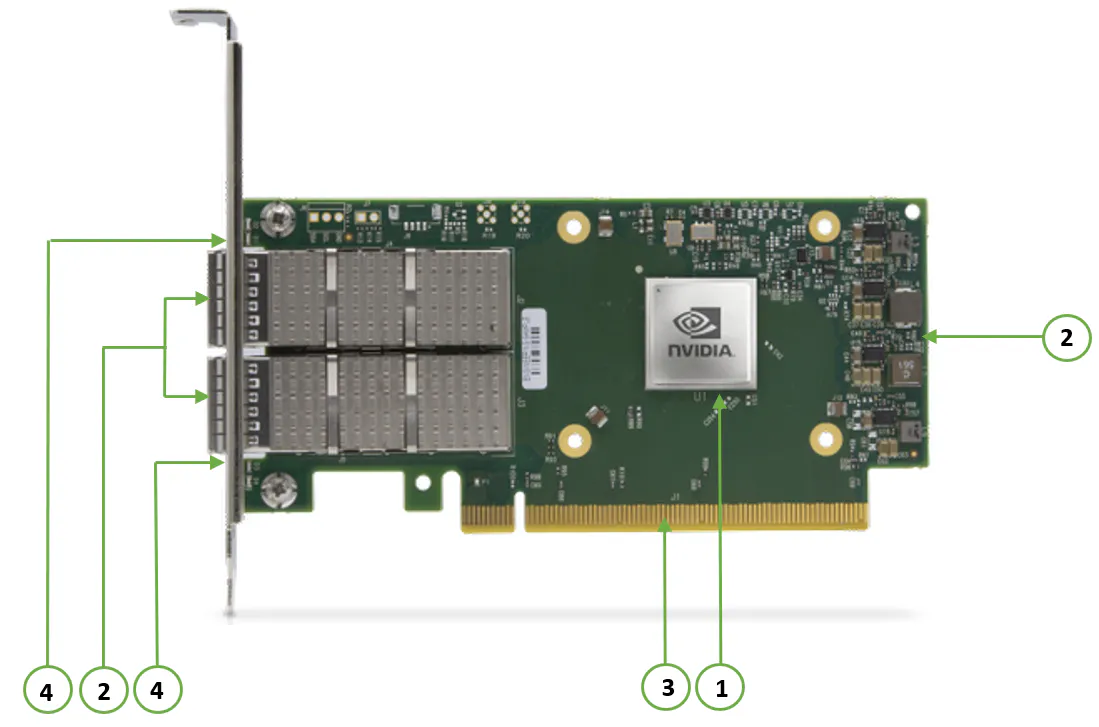
NVIDIA MCX623106AN-CDAT 100GbE Network Adapter
$1,136.7 · referenceSupplier-reported availability
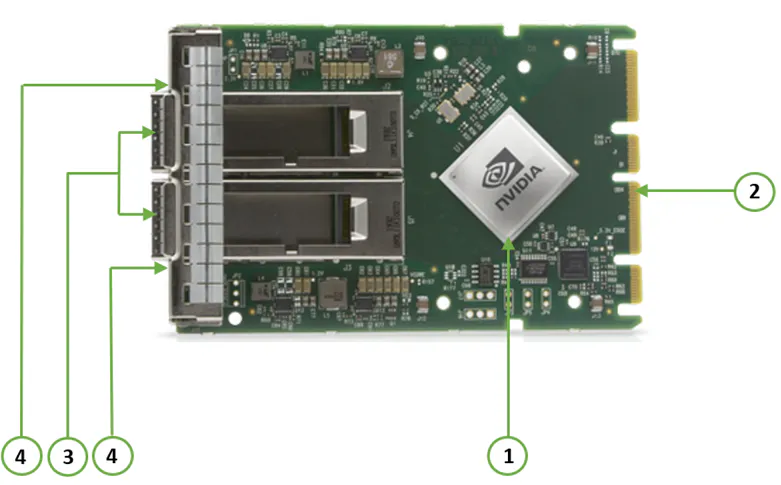
NVIDIA MCX623436AN-CDAB 100GbE OCP3.0 Network Adapter
$1,136.7 · referenceSupplier-reported availability
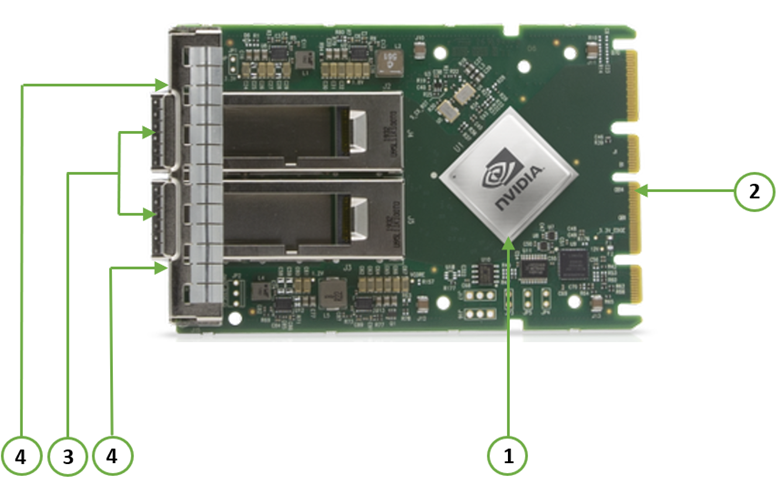
NVIDIA MCX623436AC-CDAB 100GbE OCP3.0 Network Adapter
$1,363.5 · referenceSupplier-reported availability
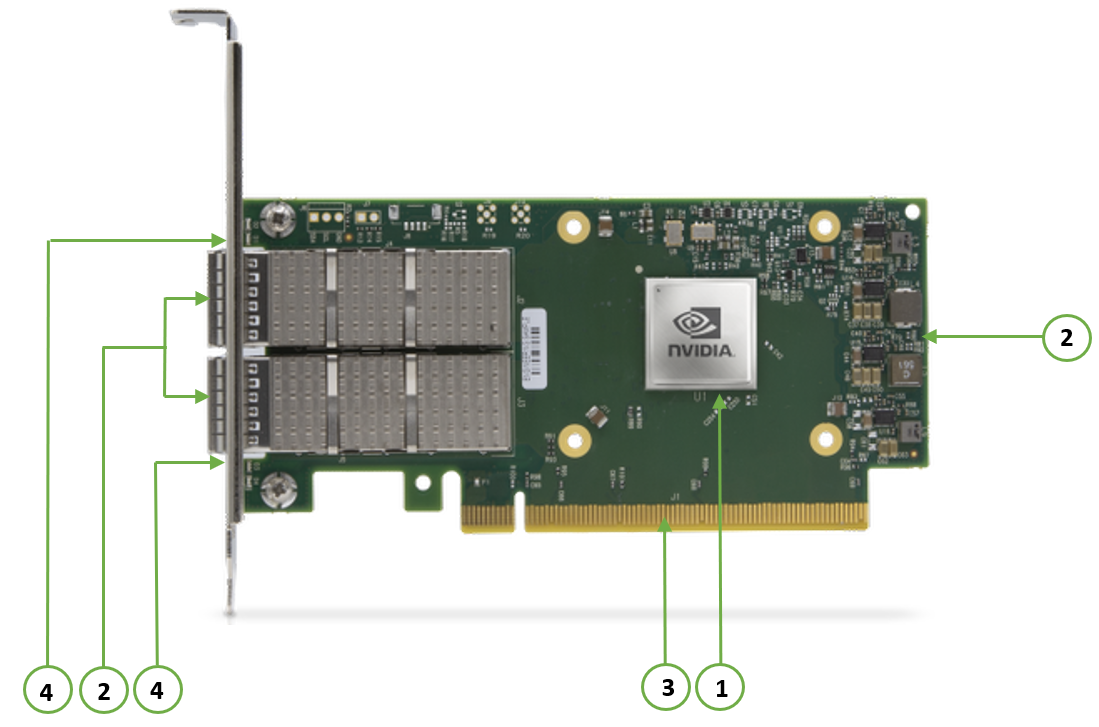
NVIDIA MCX623106AS-CDAT 100GbE Network Adapter
$1,136.7 · referenceSupplier-reported availability