
Cisco · campus-mgig
Multigigabit Campus Design: Balance Access Speed, PoE and Uplinks
Plan multigigabit access for wireless APs and workstations with separate data-rate, power and cabling decisions.
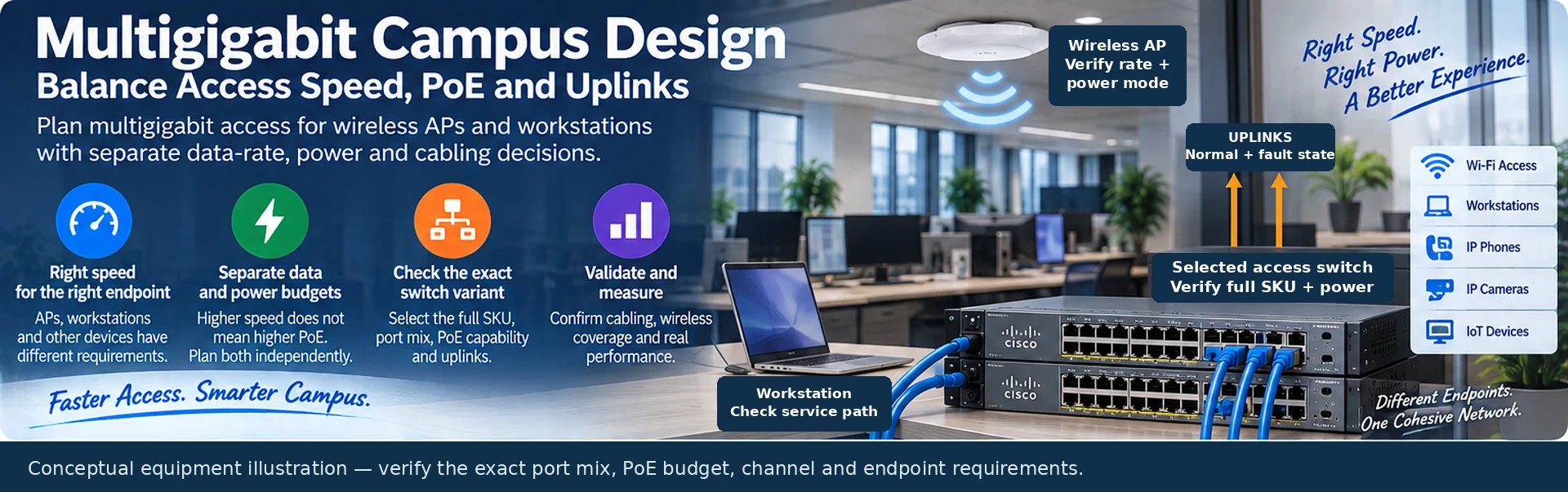
A multigigabit access upgrade should remove an identified bottleneck. It should not simply replace every 1G port with the fastest available alternative. Wireless access points, workstations and specialized endpoints can have different speed, power and availability requirements even when they share one access switch.
Start with endpoint behavior
Record the endpoint’s supported Ethernet rates, expected workload and power requirements. For an access point, include radio configuration and the functions available under each documented power mode. For a workstation, consider application throughput, storage dependencies and traffic direction. A larger Ethernet rate does not establish the benefit of the entire application path.
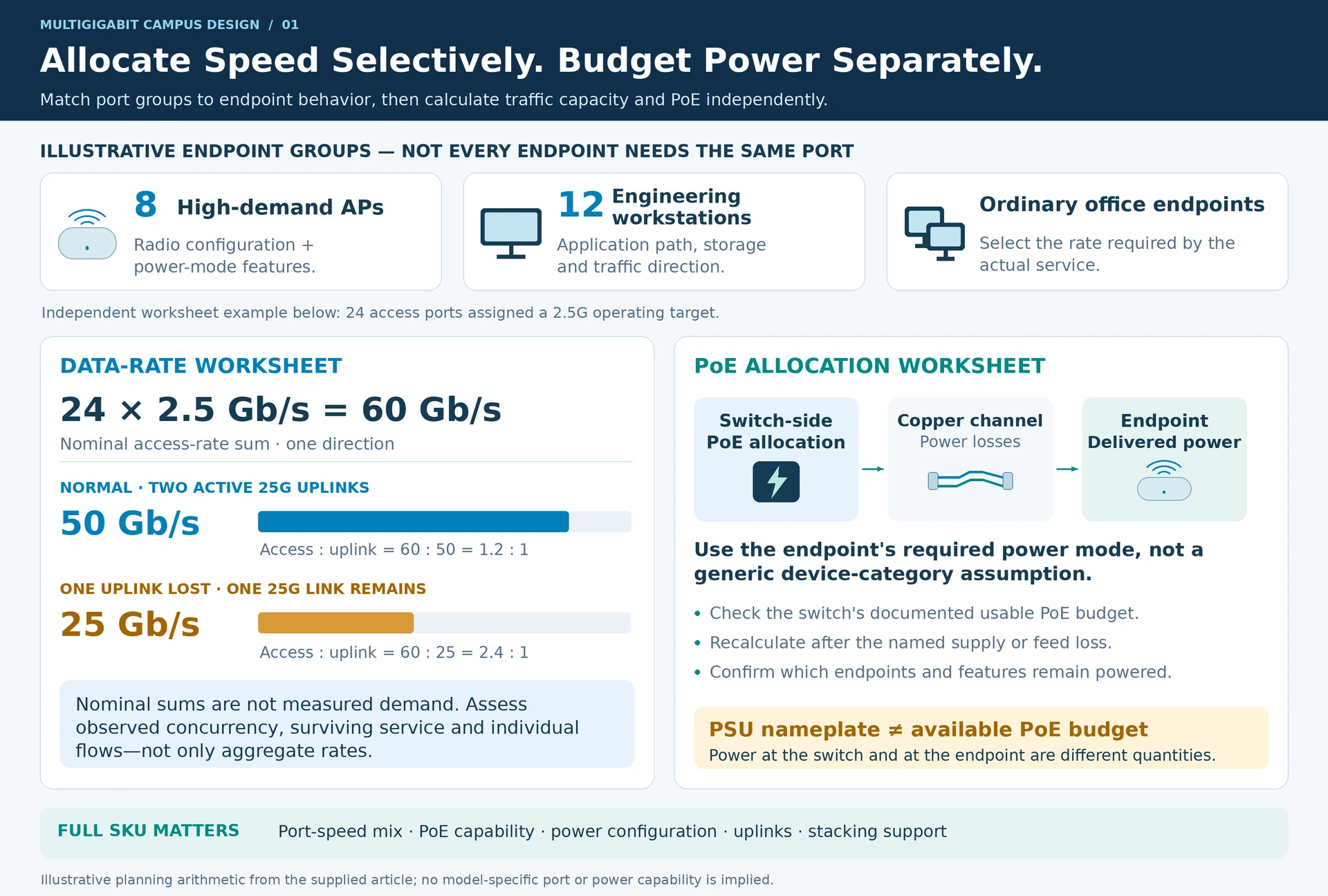
Build port groups around those requirements. An illustrative floor may have eight high-demand APs, twelve engineering workstations and ordinary office endpoints. The design can reserve higher-rate ports for the first two groups rather than assuming that all users need the same interface.
Check the exact switch variant
Catalyst 9300-family variants differ in port-speed combinations, PoE capabilities, uplinks and stacking arrangements. Select the full SKU and power configuration, not the family badge. A data-only variant and a PoE variant can share headline switching characteristics while serving different endpoints. R12
| Design layer | Question to resolve |
|---|---|
| Endpoint | Which data rates and power classes are actually required? |
| Access port | Does the exact switch port support both requirements? |
| Copper channel | Is the installed route suitable for the target application? |
| Uplink | What capacity remains after the specified failure? |
| Power system | Which endpoints remain powered after a supply or feed loss? |
Budget data and power independently
Suppose, for illustration, twenty-four ports are assigned a 2.5G operating target. Their nominal access-rate sum is 60 Gb/s. Two 25G uplinks provide 50 Gb/s normally and 25 Gb/s after one fails. These figures are planning ratios, not measured workload demand; a useful design explains how observed concurrency relates to them.
Separately, calculate power allocation using the endpoint’s relevant requirement and the switch’s documented available PoE budget. Do not use PSU nameplate power as though all of it were available to powered devices. Power delivered at the endpoint and power supplied at the switch are also different quantities. R32
Validate the installed copper and wireless service
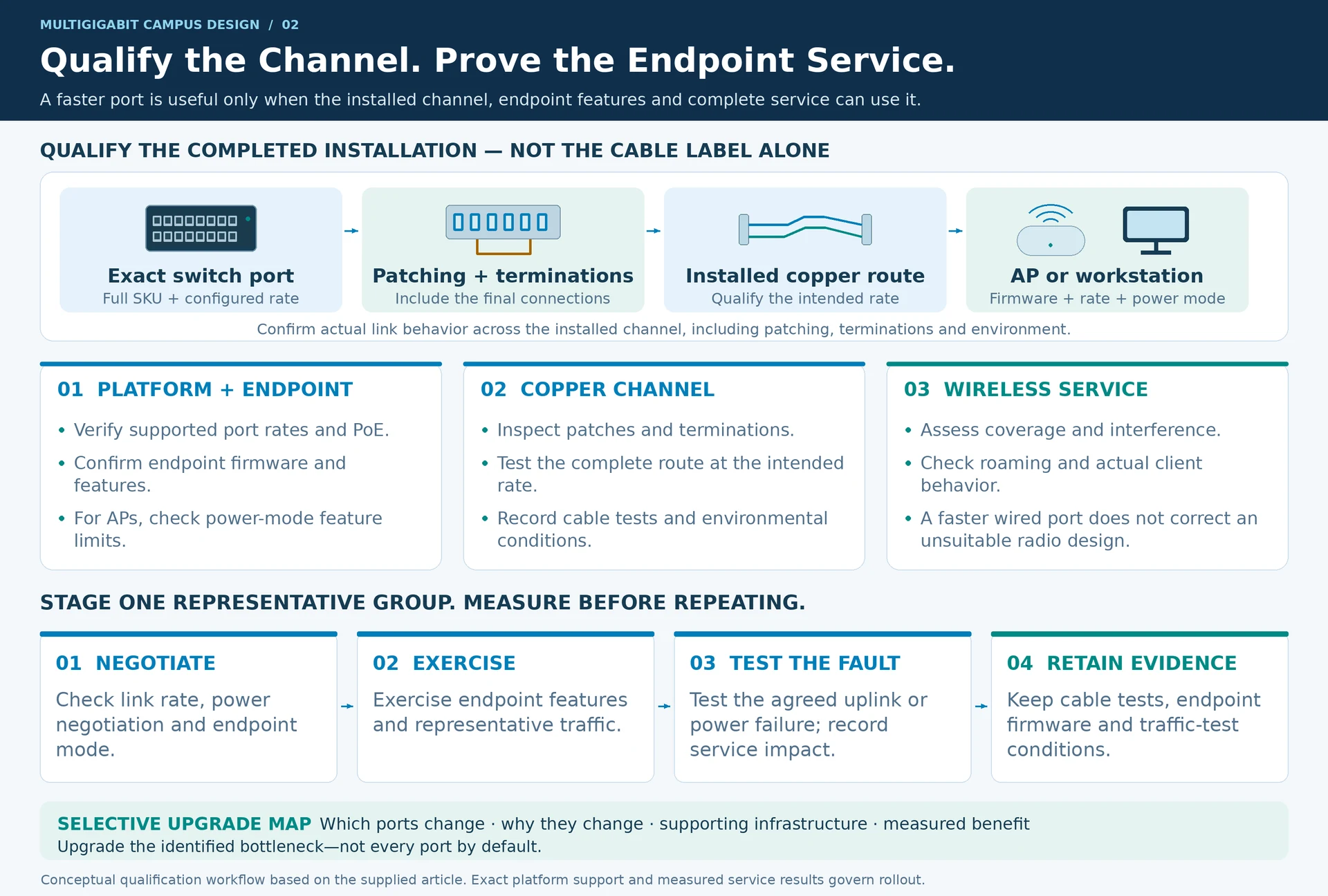
Qualify the existing channel for the intended rate rather than assuming that a cable-category label describes the completed installation. Include patching, termination quality and environmental conditions. For wireless deployments, assess coverage, interference, roaming and client behavior; a faster wired port cannot compensate for an unsuitable radio design. R37
Stage one representative endpoint group. Confirm link rate, power negotiation, required endpoint features, traffic performance and failover behavior. Retain the cable-test record and endpoint firmware with the result.
The outcome should be a selective upgrade map: which ports change, why they change, what supporting infrastructure must change with them and how the benefit will be measured.
Engineering illustrations
These figures illustrate the design concepts discussed here. They are not measured results, certified configurations or a supplied-equipment list.
Related reading
- C9300X Multigigabit Selection: Verify the Port Mix and PoE Budget
- Faster Ethernet Does Not Mean More PoE: Plan Data and Power Separately