
Cisco · legacy-dc
Legacy Nexus Expansion: Qualify Modules, Fabric Extenders and Migration Limits
Expand an installed Nexus environment without confusing connector fit, FEX support, software compatibility or lifecycle coverage.
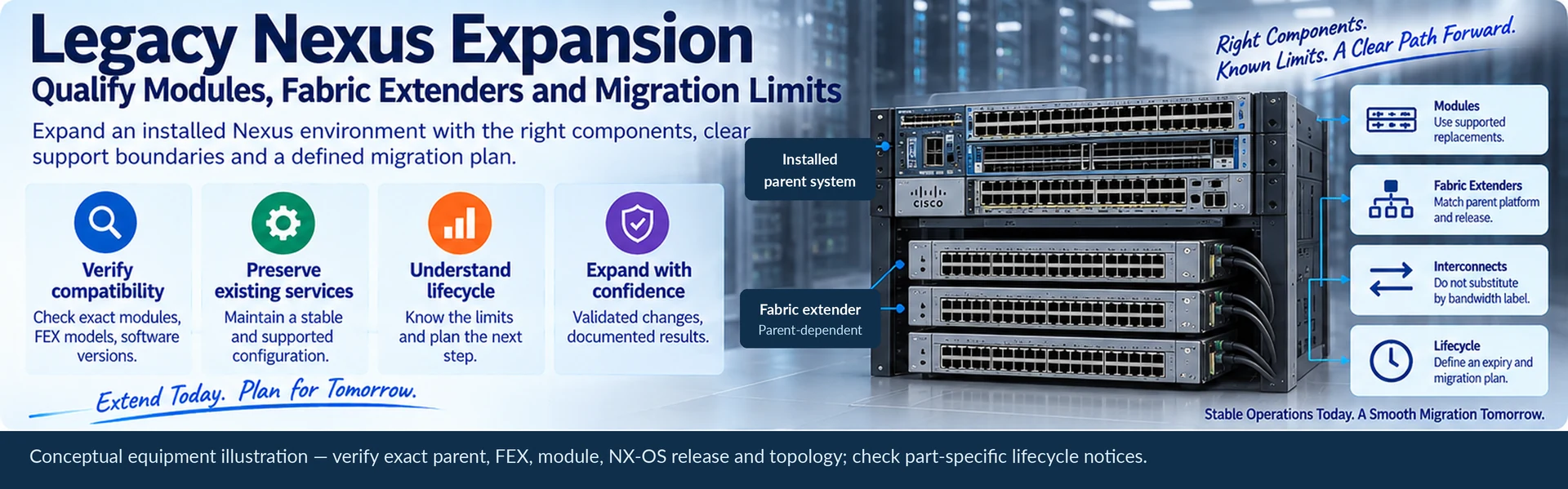
A small expansion of an installed Nexus network can be reasonable when it preserves a known service and has a bounded operating horizon. It becomes risky when spare availability is treated as proof that any similar module or Fabric Extender will work. Start with the installed configuration and the service that must be preserved.
Define what the change is allowed to do
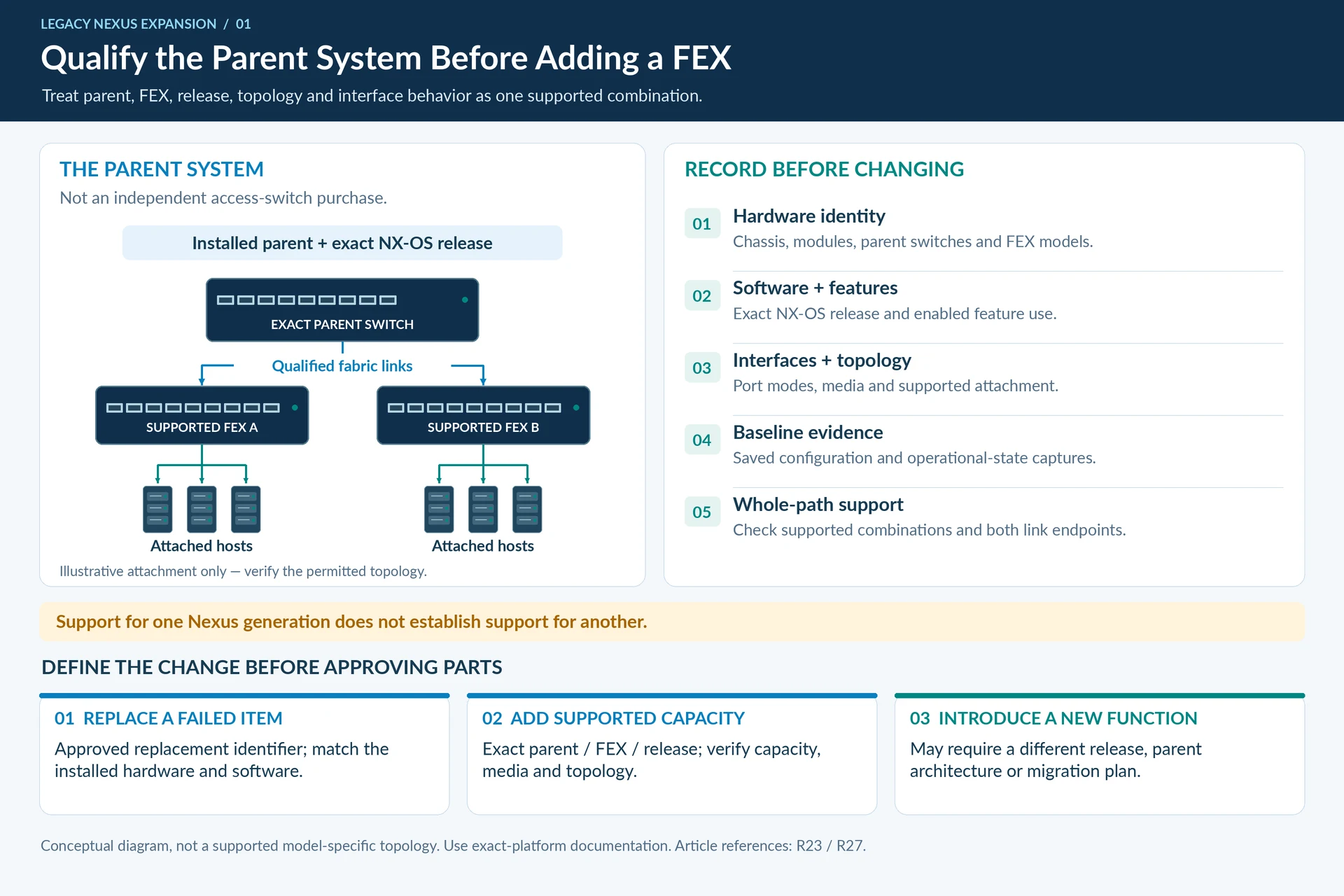
Separate three requests: replace a failed item, add supported capacity, or introduce a new network function. The first two may fit the existing platform. The third can require a different software release, parent-switch architecture or migration plan.
Record chassis and module identifiers, parent switches, Fabric Extender models, interface media, software versions and feature use. Retain configuration and operational-state captures before changing anything. A family-level inventory such as “Nexus 5600 with FEX” is too broad for replacement decisions.
Treat a Fabric Extender as part of its parent system
FEX selection is not equivalent to choosing an independent access switch. Parent-platform support, software release, connectivity topology and supported interface behavior must be considered together. Cisco publishes separate FEX guidance for specific parent platforms and releases; support described for one Nexus generation should not be transferred to another. R23R27
| Proposed change | Evidence needed before approval |
|---|---|
| Replace a module | Supported replacement identifier and installed hardware/software match |
| Add a FEX | Exact parent/FEX/release and topology support |
| Change interconnect media | Both endpoint interfaces and qualified cable or optical path |
| Increase uplink rate | Supported port mode, capacity effect and peer readiness |
| Add a feature | Platform/release support and an operational test plan |
Do not substitute by bandwidth label
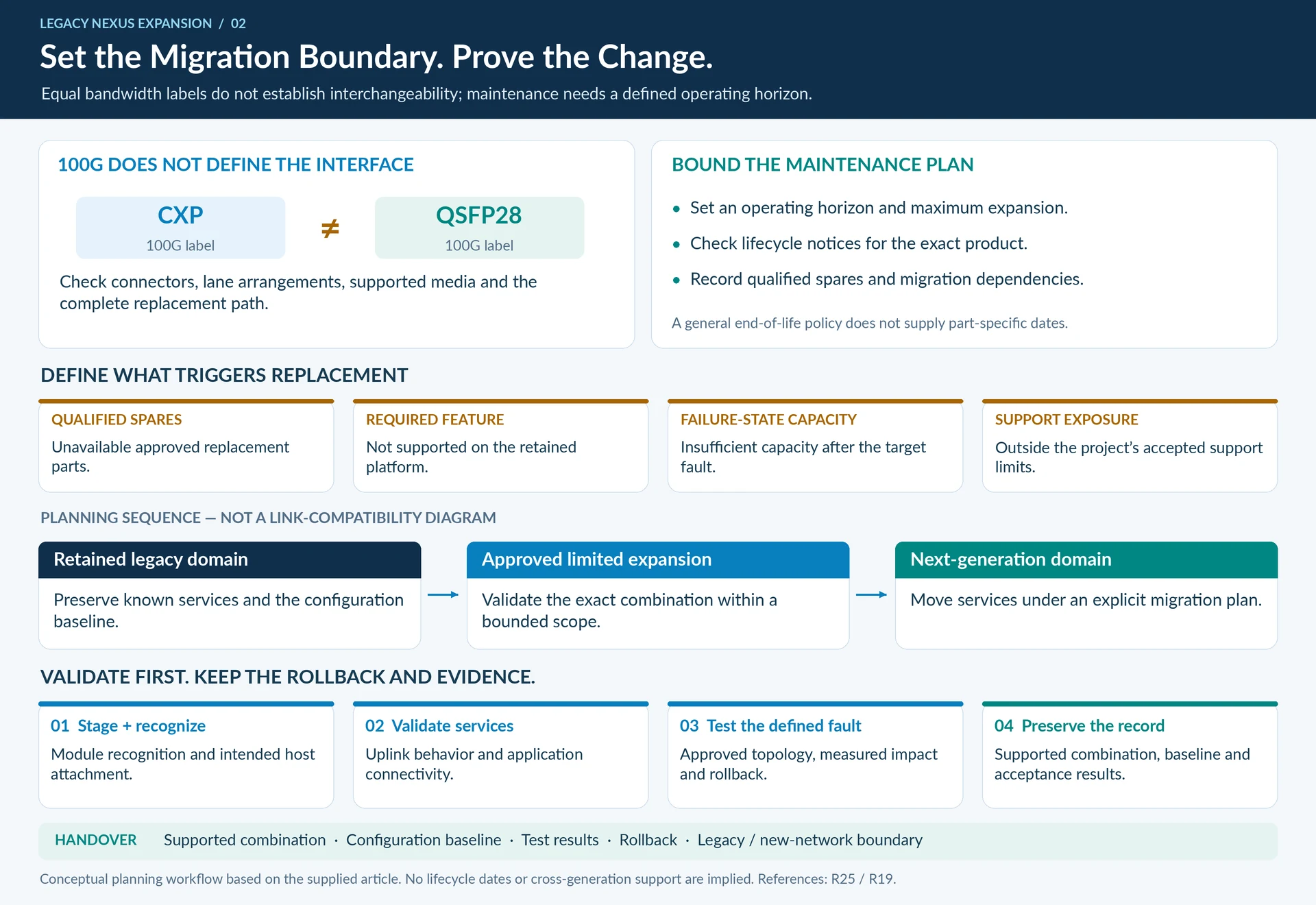
Two interfaces labeled 100G may use different connectors, lane arrangements and supported media. A CXP connection should not be treated as a QSFP28 port with a different shell. Work from the actual host and module documentation, then qualify the complete replacement path. Cisco’s 100G transceiver catalogue is useful for identifying specific optical implementations, not for authorizing every cross-generation substitution. R25
Put an expiry on the maintenance strategy
Define how long the expanded system must remain in service and which events trigger replacement: unavailable qualified spares, a required unsupported feature, insufficient failure-state capacity or unacceptable support exposure. Check lifecycle notices for the exact product; the general end-of-life policy does not supply the dates for an individual part. R19
An illustrative bounded plan might add one supported access block while scheduling its eventual migration to a new fabric. Document the maximum expansion, qualified spare set and remaining migration dependencies instead of describing the arrangement as indefinitely future-proof.
Validate, then preserve the record
Stage the candidate configuration where possible. Confirm module recognition, expected host attachment, uplink behavior and application connectivity. Test a controlled fault relevant to the approved topology and retain the rollback procedure.
The handover should include the supported combination, configuration baseline, acceptance results and a clear boundary between maintained legacy services and the next-generation network. That boundary prevents a temporary capacity measure from silently becoming an unreviewed architecture.
Engineering illustrations
These figures illustrate the design concepts discussed here. They are not measured results, certified configurations or a supplied-equipment list.
Related reading
- Nexus 5600 and FEX Selection: Verify the Parent, Module and Topology
- CXP and QSFP28: Equal 100G Labels Do Not Make Equal Interfaces