
Which 100GbE AOC fits the route — MFA1A00-C015, MFA1A00-C020 or MFA1A00-C050?
Compare NVIDIA MFA1A00-C015, MFA1A00-C020 and MFA1A00-C050 100GbE AOCs. Match the 15 m, 20 m or 50 m cable, ordering number and endpoint requirements.
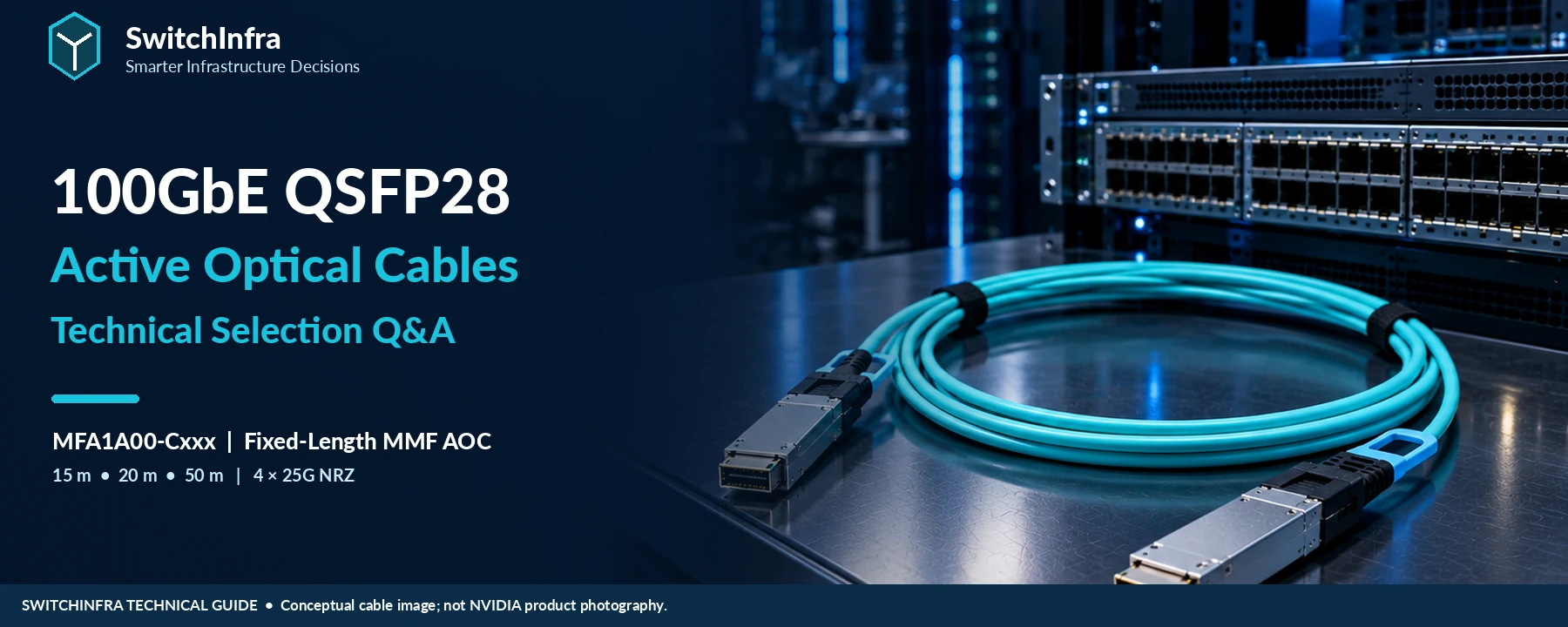
MFA1A00-C015 is 15 m, MFA1A00-C020 is 20 m and MFA1A00-C050 is 50 m. All three connect two supported QSFP28 ports over a single 100 Gigabit Ethernet link. Choose the length from the installed cable route, including service slack. Check the port mode at both ends before specifying a replacement.
Which part number goes on the purchase order?
NVIDIA 100GbE QSFP28 active optical cable ordering numbers
| Mellanox part number | NVIDIA part number | Assembly length |
|---|---|---|
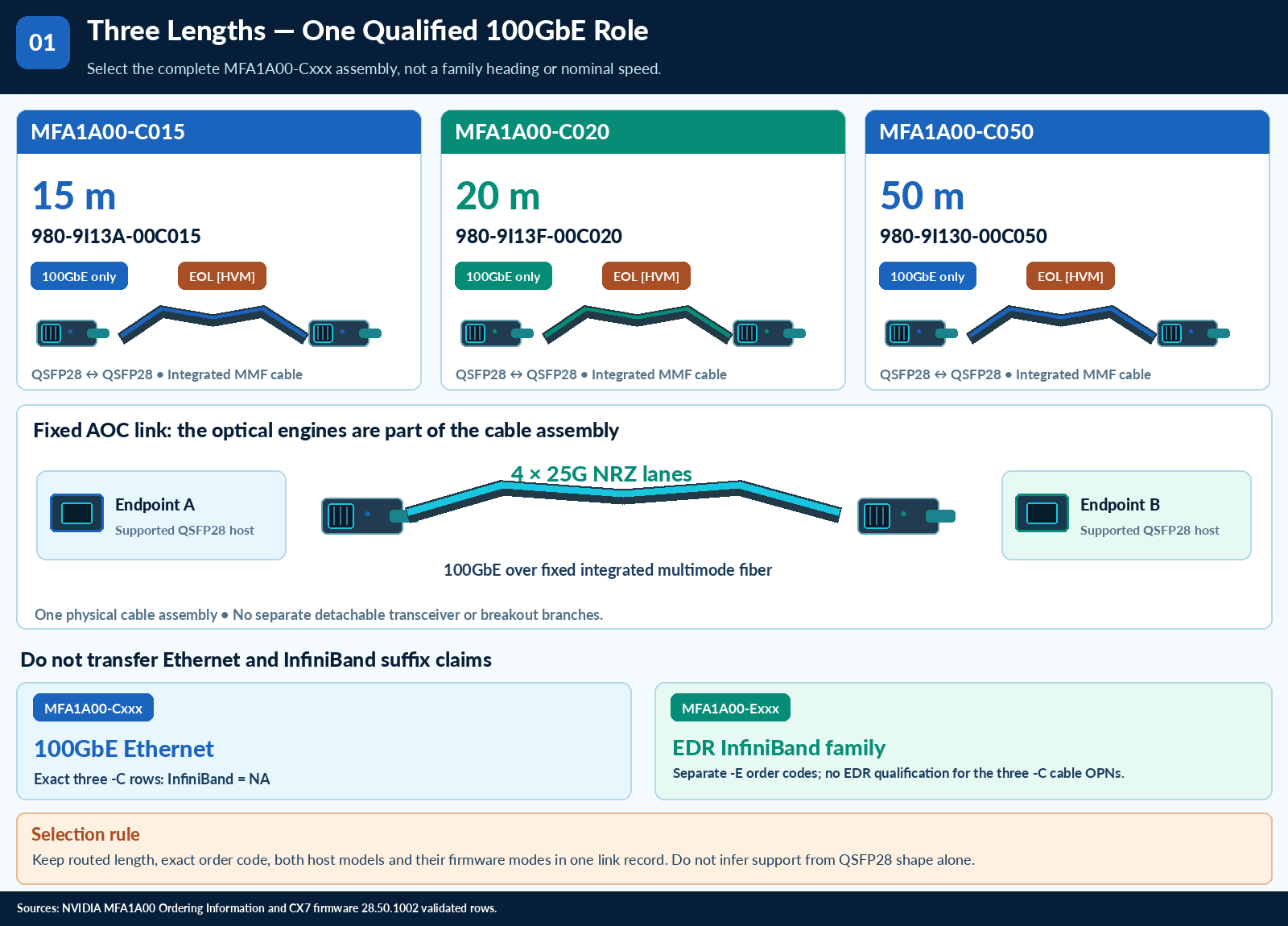
| MFA1A00-C015 | 980-9I13A-00C015 | 15 m |
| MFA1A00-C020 | 980-9I13F-00C020 | 20 m |
| MFA1A00-C050 | 980-9I130-00C050 | 50 m |
For example, if the measured route including service slack is 18 m, the 20 m assembly is the shortest of these three that covers it. A purchase line for that run can read MFA1A00-C020 / 980-9I13F-00C020, 20 m, 100GbE QSFP28 AOC, followed by the quantity. NVIDIA ordering table · NVIDIA part-number cross-reference
Will a 100G InfiniBand port accept one of these Ethernet cables?
NVIDIA lists these three -C ordering codes under 100GbE. Its EDR InfiniBand cables have separate -E ordering codes, including versions of the same length. For an InfiniBand link, obtain the EDR part number qualified for the two devices. For Ethernet, check both device models, their firmware and their configured port mode. Protocol and length by part number
Can I use the existing fiber patch panels?
Each MFA1A00-C assembly has two QSFP28 ends permanently attached to its fiber. The complete assembly runs from one equipment port to the other. If the design must use a detachable fiber trunk through patch panels, specify a transceiver at each end and check the trunk’s connectors, fiber type and loss budget. 100GbE AOC product brief
What should I check at the ports and in the cable tray?
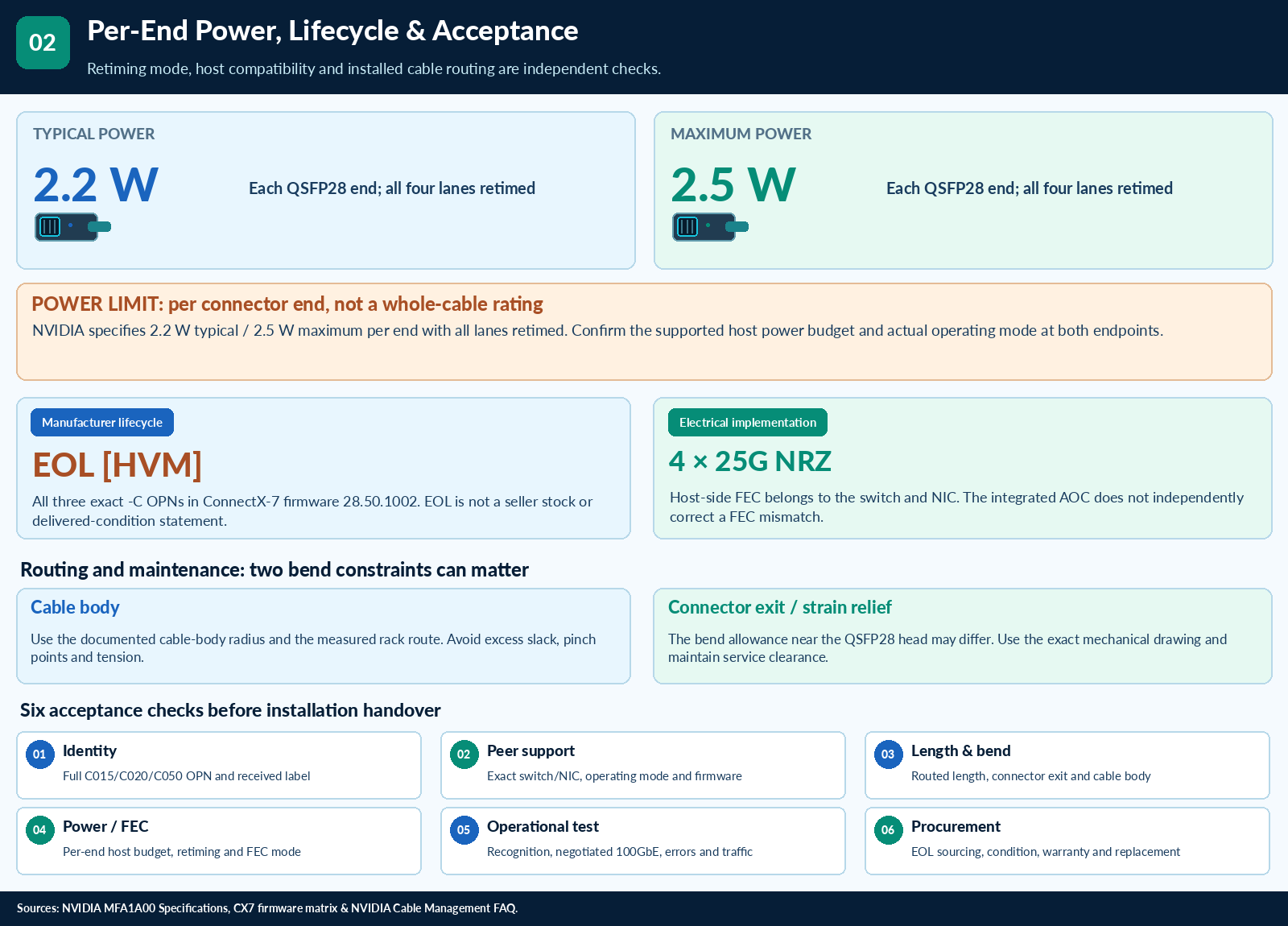
- Signaling and power. The cable uses four 25G NRZ lanes. With retiming active on all lanes, the rated power per end is 2.2 W typical and 2.5 W maximum. Check the port’s power allowance. Electrical characteristics
- FEC. The switch or network adapter performs forward error correction. Verify that both endpoints support the same FEC mode for the selected link configuration. NVIDIA FEC guidance, p. 43
- Bends and clearance. Measure through guides, vertical drops and the exit from each port. A connector strain relief can need a gentler bend than the cable body. Check the assembly drawing and leave room for the rack door to close. MFA1A00 mechanical specifications · NVIDIA bend-radius guidance, p. 46
What does the lifecycle entry mean for a replacement order?
NVIDIA’s ConnectX-7 firmware notes for version 28.50.1002 mark all three part numbers EOL [HVM]. For a replacement purchase, ask the supplier to confirm the exact label, unit condition, quantity available, test evidence and delivery date for the batch offered. Lifecycle rows for the three cables
For a mixed-generation refresh, check the port mode and electrical lane layout before substituting a different 100G assembly.
Send the cable label or part number, both endpoint models, required length, quantity and delivery destination. Request a 100GbE AOC replacement quote
Technical illustrations
Practical project worksheets
Download only what helps your task. You can send your existing list now and add missing details later. Worksheets are in English.
Optics and cable link checklist
Endpoint models, port mode and speed, distance, fiber, connectors and breakout.
Download the worksheetDiscuss the existing requirements →