
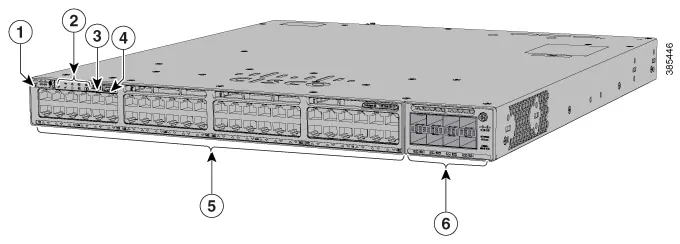
Cisco base hardware reference image; software variant and included configuration require confirmation.
NETWORK SWITCH
C9300X-24Y-E
Cisco C9300X-24Y-E 24-Port 25G Fiber Switch
| Brand | Cisco |
|---|---|
| Uplinks | Replaceable C9300X network module |
| Stacking | StackWise-1T |
| Condition | New |
| Downlinks | 24 × 1/10/25G SFP28 |
| Part Number | C9300X-24Y-E |
| Rack Height | 1RU |
| Software SKU | Network Essentials; confirm license entitlement |
| Product Series | Catalyst 9300X |
Before you order
- Confirm the exact SKU, part number, specification option and quantity.
- Confirm the host platform, port, electrical interface and firmware requirements.
- Confirm availability, lead time, destination and applicable service terms before payment.
Product questions & answers
Can C9300X-24Y-E join a stack of C9300 switches?
Yes, with compatible C9300 models at the same license level, but the mixed stack runs at StackWise-480 speeds rather than StackWise-1T. C9300-24UB, C9300-24UXB and C9300-48UB higher-scale models are excluded from this mixed stack. C9300L fixed-uplink models also cannot join it.
How do I distinguish C9300X-24Y-E base ports from optional uplink interfaces?
In the interface name, module 0 identifies the fixed downlink ports and module 1 identifies uplinks. On stack member 1, the fixed ports therefore use 1/0/1 through 1/0/24. Configure uplinks using the installed module's mapping: for example, C9300X-NM-2C uses HundredGigE1/1/1 and HundredGigE1/1/2. CLI interface listings are not a count of installed physical connectors.
Channel and project resources
Move your next customer decision forward
Start with your current portfolio, a product family or an incomplete project list. Choose the material that fits your responsibility.
OA03 · Cisco
Campus networking, replacement requirements and project parts.
C9300X-24Y-E
BOM and open-items review
Keep the original part numbers and quantities together with the questions that affect a project decision.
- Start with
- Your existing list, uploaded BOM or a short description of the requirement. Incomplete lists are welcome.
- Use this to prepare
- An open-items table with original line references, missing inputs, responsible people and next actions.
Related products
Cisco C9300-48P-A 48-Port Gigabit PoE+ Switch
$4,800.5 · referenceSupplier-reported availability
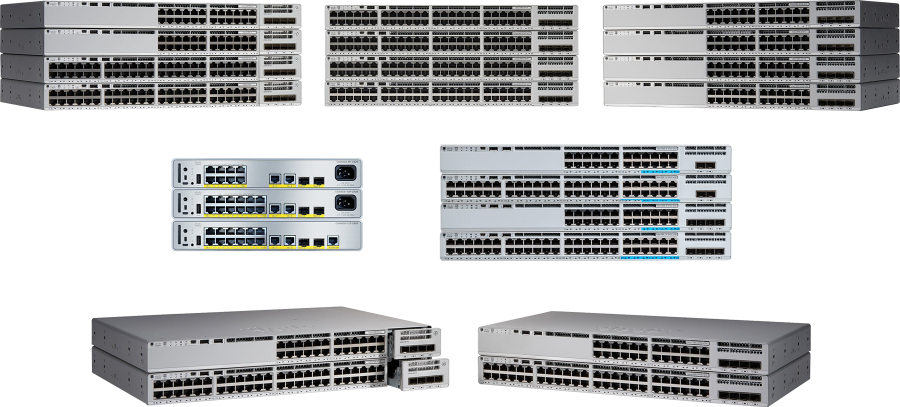
Cisco C9200-24P-A 24-Port Gigabit Access Switch
$2,162 · referenceSupplier-reported availability
Cisco C9200L-24T-4G-E-RF 24-Port Gigabit Fixed-Uplink Switch...
$2,040.1 · referenceSupplier-reported availability
Cisco C9200L-24T-4G-E 24-Port Gigabit Fixed-Uplink Switch
$1,269 · referenceSupplier-reported availability